October 17, 2026
Unlocked 5G Smartphone Buying Guide: Pick the Right One
Updated on: October 17, 2026
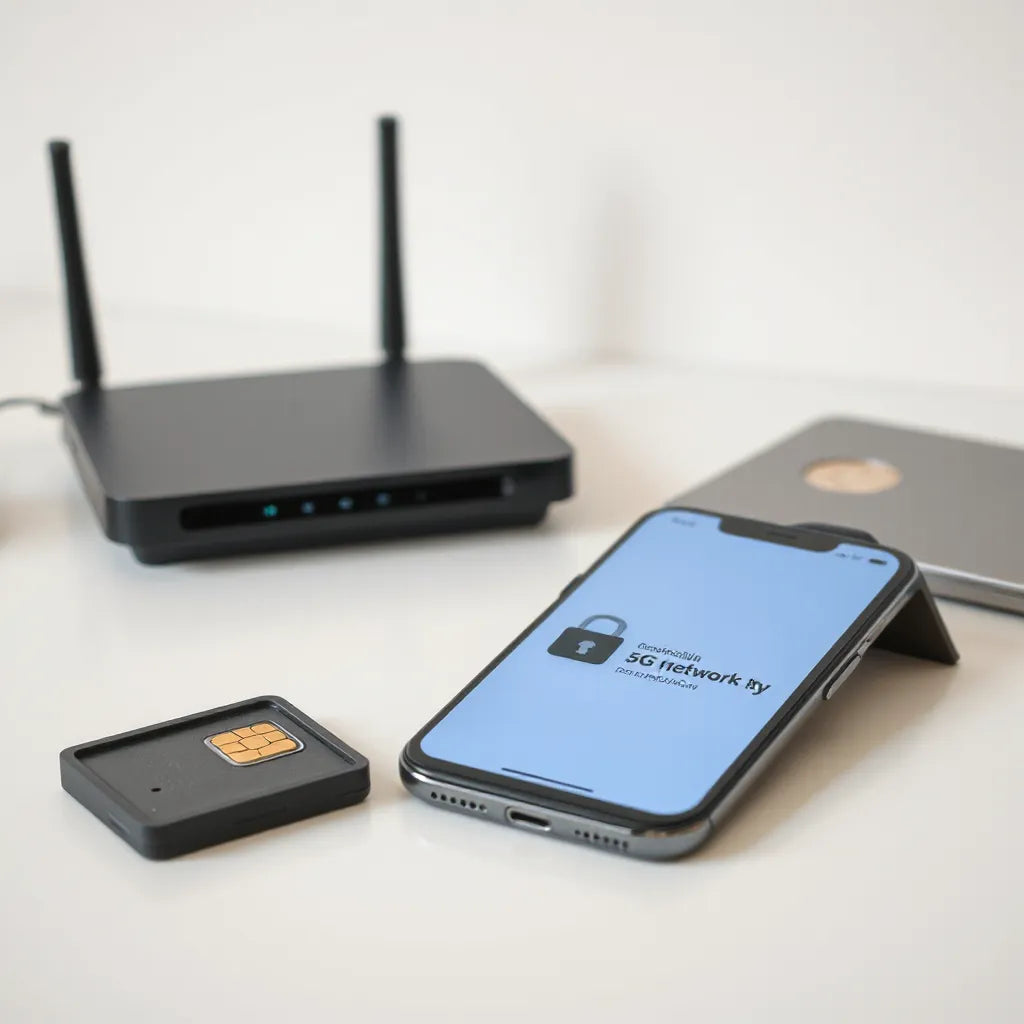
An unlocked smartphone 5G lets you choose your own carrier and keep your device flexible. With 5G connectivity, you can expect faster downloads, lower latency, and smoother streaming in supported areas. However, performance depends on band compatibility, carrier provisioning, and your local coverage. This guide explains how to select the right unlocked device and how to verify it will work reliably before purchase.
Table of Contents
1. Choosing an unlocked smartphone 5G for your needs
2. How to verify carrier and band compatibility
3. How to check key 5G specifications before buying
4. Setup and optimization after you switch to 5G
5. Best practices for buying an unlocked 5G phone
6. FAQ
7. Closing thoughts
8. About the author
Choosing an unlocked smartphone 5G for your needs
Buying an unlocked smartphone 5G is a strategic choice for people who want more control over their service plan. Instead of being tied to one carrier, you can select a plan that matches your data needs and budget. That flexibility is especially valuable when you travel, switch providers, or upgrade your plan as your usage changes.
Begin by defining your primary use case. If you stream video, participate in video calls, or rely on cloud services, prioritize a device with strong network support and reliable modem performance. If your focus is productivity, look for smooth performance, clear audio, and dependable mobile data handling. If you need everyday durability, emphasize display quality and battery efficiency rather than only peak benchmark numbers.
Next, set expectations for what 5G can do. In real life, you will notice improvements most clearly when your area has strong coverage and the network supports the capabilities your phone uses. 5G is not a guarantee of speed everywhere. Building a compatible setup and understanding coverage patterns matter as much as the phone model.
To make the decision process easier, map your priorities into three categories: network compatibility, daily usability, and long-term value. This approach helps you avoid paying for features you will not use, while still selecting a device that can access 5G on the networks you care about.

Checklist graphic for 5G compatibility and priorities
How to verify carrier and band compatibility
Compatibility is the most common reason unlocked phones disappoint buyers. When you activate a device on a new carrier, the network must support the phone’s frequency bands and radio technologies. This includes both 4G and 5G bands. A phone may be “5G capable” and still fail to connect to 5G if the carrier and the device do not share compatible bands.
Start with carrier support information. Many carriers provide a list of compatible unlocked devices. If the exact model is listed, you can validate with confidence. If the model is not listed, you should still confirm compatibility by comparing 5G bands and LTE bands to the carrier’s published network information.
Then verify regional differences. Band availability can vary by country and even by region within the same country. A device designed for one market may not fully support another market’s 5G spectrum. If you purchase online, review the device model number and intended region. Use the model number, not only the marketing name, because bands are tied to the hardware configuration.
Another factor is provisioning. Even if the phone hardware supports the right bands, the carrier must provision the device correctly. During activation, ensure that the plan includes mobile data and that 5G is enabled where required. Some carriers enable 5G features automatically. Others require plan tier or specific settings.
Finally, test with a short validation period. After activation, check whether the status indicator shows 5G and whether data speeds are stable. If you frequently travel, test in more than one area. Coverage and capacity differ from one location to another, and a single test location may not represent typical performance.
How to check key 5G specifications before buying
Once compatibility is addressed, review the device specifications that influence everyday 5G performance. You do not need to compare every technical detail, but you should understand the major elements that affect connectivity, power use, and user experience.
1) Supported 5G bands and modes
Look for the full list of 5G bands supported by the device. Also check the device’s supported standards. Some phones support multiple 5G approaches, while others focus on a narrower set. A broader band list improves the odds of working on more carriers and more regions.
2) Radio and modem quality
Two phones with similar specs can perform differently because of modem tuning and radio optimization. Choose a model known for stable network performance, not only for top-tier speeds. Stability affects video calls, navigation, and message delivery.
3) Battery efficiency under 5G
5G can increase power draw, especially when the signal is weak or the network is busy. Look for strong battery life benchmarks, and consider how you use the phone. If you rely on 5G for long sessions outdoors, battery efficiency becomes a higher priority than camera features.
4) Wi-Fi and fallback behavior
A practical device should switch between Wi-Fi and mobile data smoothly. When cellular conditions fluctuate, reliable fallback prevents interruptions. Review features such as Wi-Fi calling and seamless handoff support if your usage includes frequent indoor locations.
5) Storage and app performance
Although storage is not a radio spec, it affects perceived speed. Large app libraries, system updates, and offline content can slow devices with smaller storage or older chipsets. Choose enough storage for your habits, especially if you download maps, media, or large attachments.
At this stage, you should be able to decide whether the phone offers the right network reach for your carrier, along with the performance traits you value day to day. If you are unsure, prioritize models with broader band coverage and clear compatibility guidance.

Diagram showing 5G bands, signal quality, and battery usage
Setup and optimization after you switch to 5G
After purchase, the goal is to configure the device so it connects efficiently and behaves predictably. Begin with activation and basic network settings, then fine-tune for performance and battery stability.
Step 1: Activate using the correct network profile
Insert your SIM or activate your eSIM according to your carrier instructions. During setup, confirm that your data plan is active. When the phone restarts, check the network status area to see whether 5G is available. If it is not, revisit carrier provisioning and verify that 5G is enabled in the account.
Step 2: Confirm data settings
Review the mobile data settings and ensure that mobile data is enabled for the line that has the plan. If you use multiple lines, confirm that the correct line is selected for data usage. Incorrect line assignment can prevent you from reaching 5G even though the device is capable.
Step 3: Enable Wi-Fi calling if it is supported
Wi-Fi calling can improve call reliability in areas where cellular coverage is weaker, such as indoor environments. Even if you prioritize cellular 5G, Wi-Fi calling reduces friction when networks are inconsistent.
Step 4: Update software and carrier configuration
System updates often include modem improvements and security patches. Carrier updates can also adjust how the device interacts with the network. Run updates before intensive testing so that you observe the most current behavior.
Step 5: Optimize battery behavior for mobile data
Consider battery settings that limit background activity for apps you do not need. If you work with navigation or messaging constantly, allow those apps to run reliably. The objective is balance: keep critical apps functioning while preventing unnecessary background data consumption.
Step 6: Perform a short connectivity audit
Test in the areas where you use your phone most. Confirm that apps open smoothly and that media playback does not pause unexpectedly. If you experience issues, note whether they correlate with specific signal conditions. That insight helps you troubleshoot without guessing.
Best practices for buying an unlocked 5G phone
To protect your investment, follow a buying process that reduces risk and increases clarity. A disciplined approach also helps you match the device to your real network needs.
- Verify the exact model and region: Ensure the device supports your location and carrier frequencies. Use the model number to confirm hardware compatibility.
- Review return and warranty terms: Electronics have variability. A clear return policy reduces the impact of compatibility issues.
- Prefer transparent specifications: Seek detailed band support information and clear activation guidance.
- Budget for accessories: Connectivity depends on everyday usability. If you travel frequently, consider protective items for long-term phone handling.
- Plan for charging reliability: For mobile users, a dependable power source improves daily consistency. If you need charging accessories, choose reputable options compatible with your device.
If you are updating your daily setup alongside your unlocked smartphone 5G, you can also streamline common friction points such as screen cleanliness and charging convenience. For example, you may find practical accessories for maintaining your device display using the screen cleaning kit, and ensure stable charging with a dual USB car charger when your routine includes driving.
For people who use navigation or media while traveling, a secure mounting setup can improve safety and usability. Consider a compatible car phone holder if you routinely access maps or communication services from your vehicle.
FAQ
Will an unlocked smartphone 5G work with any carrier?
No. “Unlocked” refers to carrier lock status, not automatic band support. A device must match your carrier’s 5G and LTE frequency bands and receive proper activation and provisioning. You should confirm compatibility by checking band support and carrier guidance before purchase.
How can I confirm that my unlocked phone is actually using 5G?
After activation, check the network indicator in the phone status area. Then test data services in locations where coverage is strong. If your device only shows LTE or does not switch to 5G, the issue is usually band compatibility, carrier provisioning, or coverage limitations.
Does 5G affect battery life significantly?
It can. Battery consumption often increases when 5G signal strength is weak or when background data activity is high. You can improve efficiency by updating software, managing background app permissions, and relying on Wi-Fi calling or Wi-Fi networks when appropriate.
Is it better to buy a newer unlocked 5G model or a mid-range option?
It depends on your priorities. Newer models may offer broader 5G band coverage, better modem tuning, and longer software support. Mid-range options can be a strong value if they still support the bands used by your carrier and deliver stable day-to-day performance for your specific apps.
Closing thoughts
An unlocked smartphone 5G provides the freedom to select and change service plans without being locked into a single carrier. To get reliable 5G, focus on band compatibility, correct provisioning, and practical setup steps after activation. When you combine those fundamentals with realistic expectations about coverage, your device will deliver a more consistent connection for streaming, communication, and everyday mobility. Take time to validate compatibility before finalizing your purchase, and you will reduce avoidable problems while maximizing long-term value.
About the author
Snagva is a technology-focused writing and eCommerce content team specializing in mobile connectivity, device usability, and practical shopping guidance. The author team helps readers make informed decisions by translating complex specifications into clear, actionable recommendations. With expertise in connectivity fundamentals and consumer device workflows, Snagva supports readers in selecting the right hardware for their real-world needs. If you are ready to improve your setup, start by verifying network compatibility and then configure your device for stable 5G performance.
The content in this blog post is intended for general information purposes only. It should not be considered as professional, medical, or legal advice. For specific guidance related to your situation, please consult a qualified professional. The store does not assume responsibility for any decisions made based on this information.